Theme Documentation - typeit Shortcode
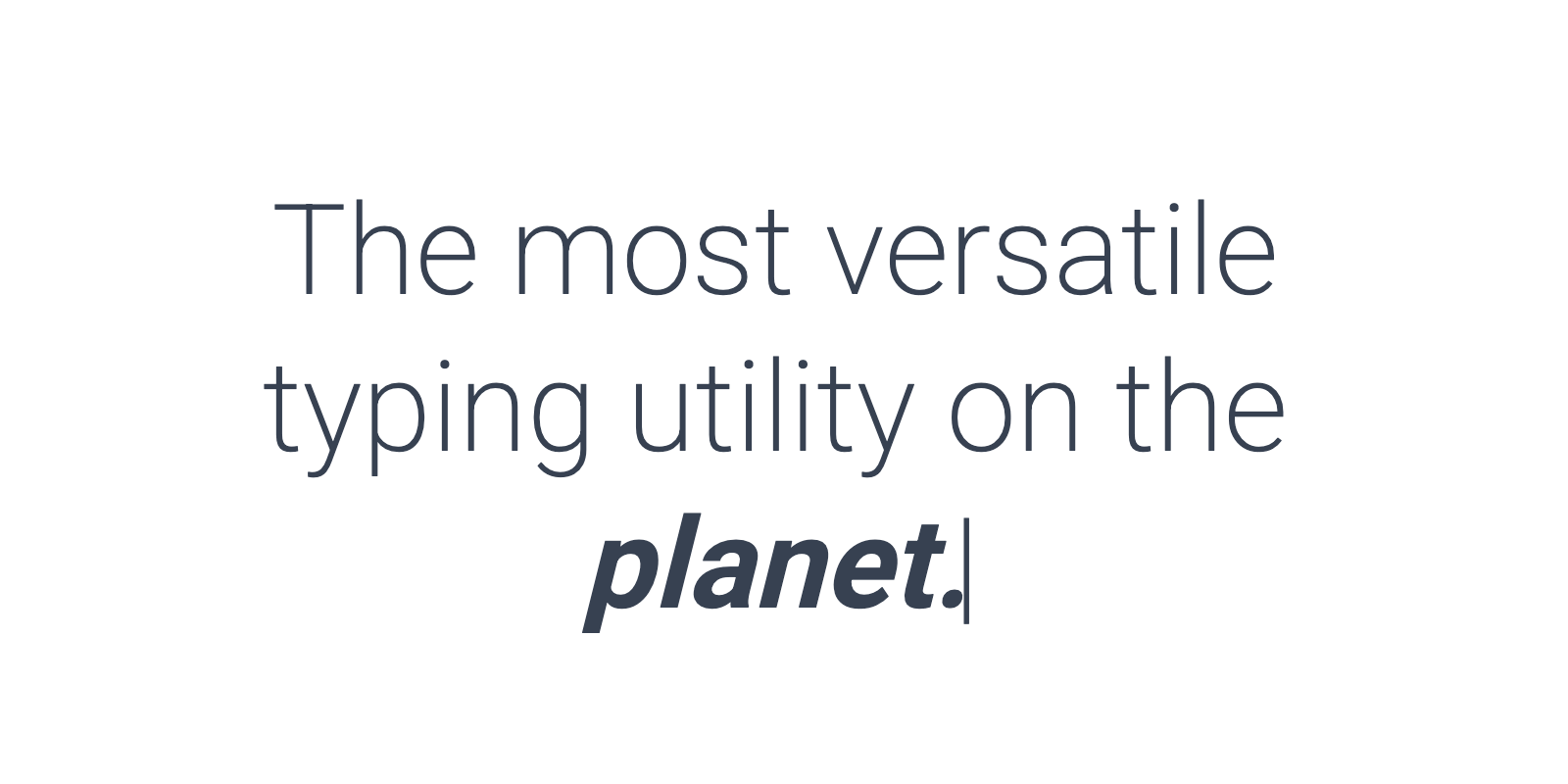
The typeit shortcode provides typing animation based on TypeIt library.
Just insert your content in the typeit shortcode and that’s it.
The typeit shortcode has the following named parameters:
tag [optional]
HTML tag that wraps the typing content, default value is
div.class [optional]
Extra CSS class name(s) added to the typing element.
code [optional]
Code language used to highlight the content, see Code Content.
code-link [optional]
Only applies together with
code. When enabled, a link written as[text](url)inside a highlighted token (such as a comment or string) is rendered as a clickable link.group [optional]
Name of the group whose contents start typing in sequence, see Group Content.
1 Simple Content
Simple content is allowed in Markdown format and without rich block content such as images and more…
Example typeit input:
{{< typeit >}}
This is a *paragraph* with **typing animation** based on [TypeIt](https://typeitjs.com/)...
{{< /typeit >}}